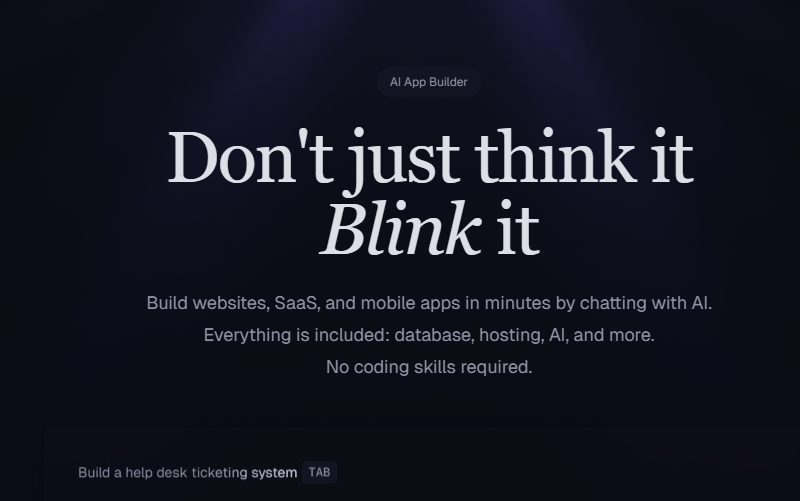
In today’s fast moving AI world, creativity moves faster than code. That is why I got excited when I first tried Blink AI App Builder. Blink is not just another ai app builder. It is a tool that lets anyone, even with zero coding experience, turn ideas into working apps in minutes. I started using it because I was tired of waiting on developers and struggling to write email sequences for my courses. Blink changed how I build and test ideas. In this Blink AI App Builder review, we’ll explore how Blink.new is transforming how creators turn ideas into fully functional apps in seconds.
Table of Contents
What is Blink – AI App Builder?
Blink AI App Builder (also known as Blink.new) is an all-in-one no-code platform that turns your idea into a production ready app by using a conversational AI agent plus automatic backend setup. You describe your app or answer a few simple questions like app name, tagline, one sentence intro, and audience. Blink’s agent then scaffolds the project. That includes the database schema, user authentication, API endpoints, hosting, and optional payment wiring. Instead of fiddling with multiple tools, you get a full stack app workspace that you can test and share immediately.
Blink serves three main types of users:
- Non-technical founders who want to validate a SaaS idea fast,
- Makers and indie developers who want rapid prototyping,
- Teams that need internal tools such as CRMs or dashboards without long backend work.
How it works, simply:
- You answer a short form or chat with the AI agent about your idea.
- Blink generates the database model, front-end screens, and APIs.
- It wires auth, storage, and integrations like Stripe.
- One-click deploy gives you a live app with SSL and CDN.
- You iterate by chatting to the agent for new features.
Features of Blink – AI App Builder
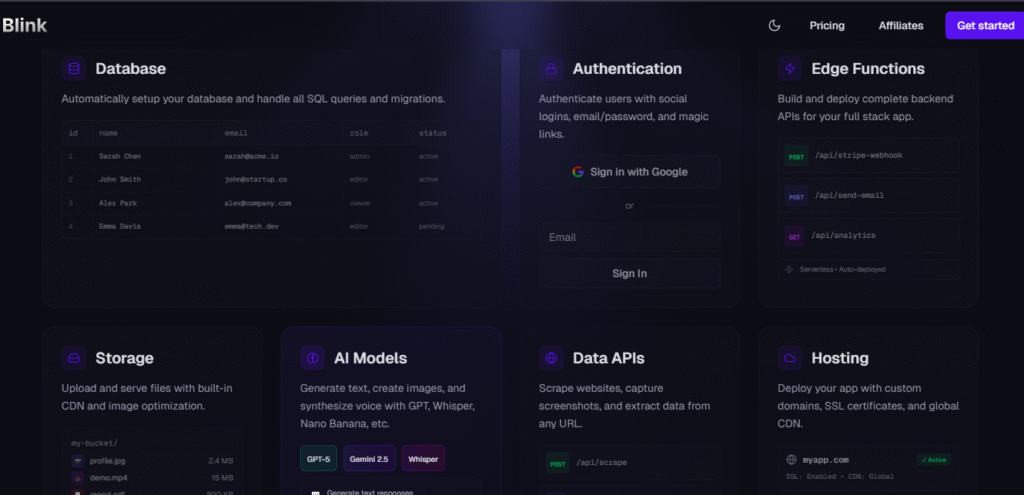
Blink is a full stack ai app builder, not just a page maker. The No-Code AI App Builder integrates all these features under one simple, AI-driven workspace. Here are some of the features of this great tool;
AI powered app generation
Answer a few questions and Blink builds the app. It removes boilerplate and gets you to something real quickly.
Full stack setup
Blink creates the database, runs migrations, sets up edge functions for back end logic, and makes the API endpoints for you. That is production ready output.
Authentication
Social logins, email password, and magic links are handled automatically. You do not have to wire third party auth services.
Built-in AI models
You can plug in GPT, Whisper, or other models to add chatbots, text generation, voice features, or image creation.
Data APIs and scraping
Blink can scrape a landing page or URL and feed that data to the AI. I used this for auto-generating email sequences from my course landing page.
Integrations
Stripe, storage, CDN, and analytics are already in place so your app can actually accept payments or upload files immediately.
Templates and clones
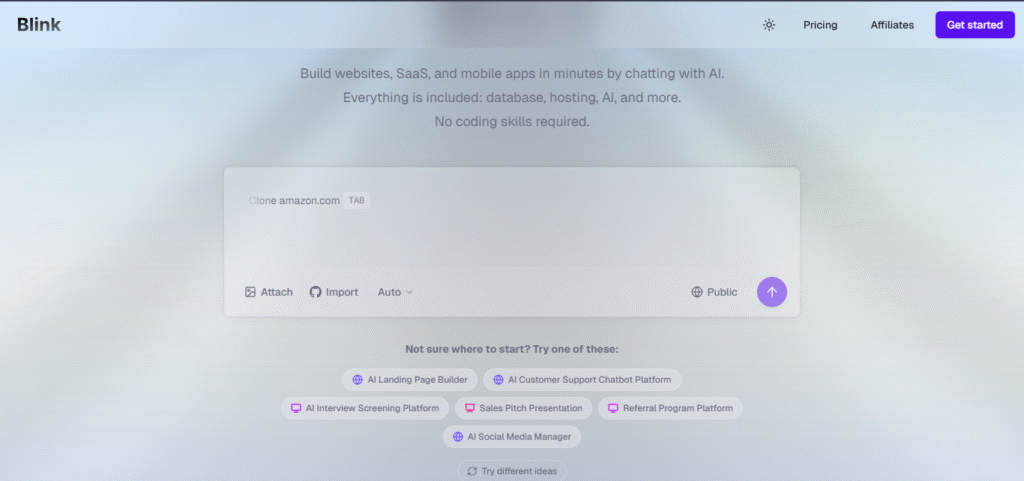
If you want to clone a basic Airbnb, chat app, or CRM the templates make it fast to start.
Instant deploy and hosting
Blink provisions a custom domain, SSL, and CDN automatically. That removes a huge chunk of deployment pain.
Free plan
You can start without a credit card and get AI credits, free hosting, and SSL. That makes testing completely risk free.
Pros and Cons of Blink AI App Builder
I want to be blunt about what works and what you should expect.
Pros
Truly no code and full stack
You do not only get a mock-up. The platform builds the backend too. That makes Blink unique among builders I have tried.
Speed
I can go from idea to a working prototype in minutes. For validation or a quick demo that speed is priceless.
Ownership
Blink exposes the workspace and database. You can export or hand off the project to engineers later.
Agent style automation
The Blink agent plans and executes work. It sets up the road map and handles many tedious steps for you.
Good integrations
Stripe, social login, and hosting are all ready. I tested Stripe payments and it worked with minimal config.
Community and templates
Real users publish useful clones and templates which speeds up learning and building.
Free tier
You can experiment with zero cost. That lowers the risk of trying it.
Cons
Occasional bugs
I ran into a few small bugs when pushing advanced AI features. Nothing major, but expect occasional hiccups.
Not a replacement for complex engineering
If you need highly optimized systems, low latency gaming servers, or strict compliance you will want engineers after the prototype stage.
Cloud and internet dependent
You need a stable connection for a smooth experience. Slow internet will hurt productivity.
Costs for heavy use
The free plan is great for testing. Frequent, AI heavy usage will require paid plans and that adds up.
Personal Experience
I will give you the real test. I used Blink to build a signup flow and an email sequence system for a course I run. Writing email sequences has always been hard for me. Blink scraped my landing page, extracted the product promise and benefits, and then generated a clean welcome sequence that I could edit in minutes. It asked only a few questions. After that, I had a working app with a signup form and Stripe checkout. I also tried cloning a simple CRM template and had a usable dashboard in under 10 minutes.
What surprised me most was how human the interaction felt. It was like talking to a developer who understood my idea and built the steps. The agent even suggested minor UX tweaks that made the app smoother. I hit a couple of small bugs when connecting advanced AI features. Support docs helped and the system recovered quickly. Overall, the experience made me confident that someone without coding skills can launch a real product today.
Pricing
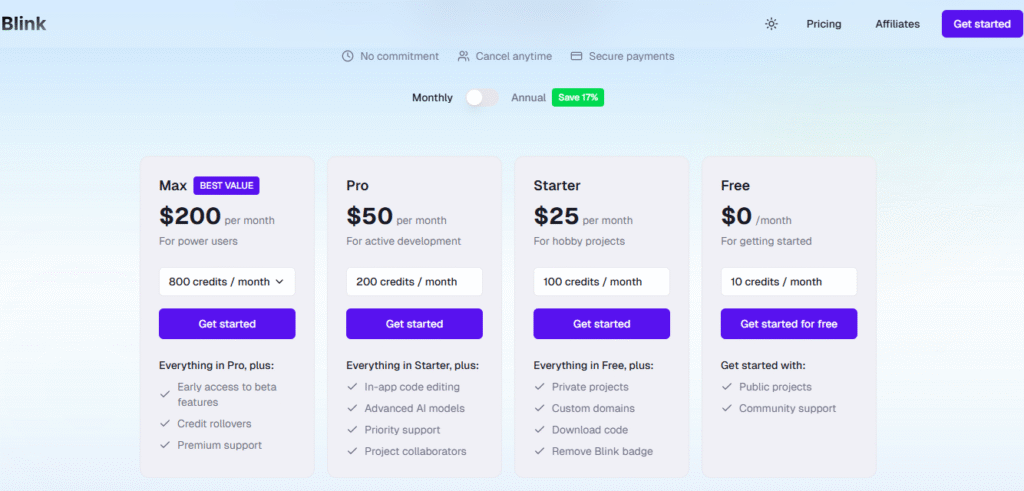
Blink AI App Builder offers a generous free tier that gives you AI credits, free hosting, and SSL, perfect for testing and building your first app. Paid plans unlock more AI credits, faster processing, and access to extra integrations and higher usage limits.
What I really like about Blink AI App Builder is how transparent the pricing feels. You can start for free, and only upgrade when you hit your limits or need heavier AI usage. The platform also offers secure payments, the freedom to cancel anytime, and no long-term commitment.
For most solo makers, the free plan is enough to build and validate early projects. For startups or growing teams, the paid monthly and yearly tiers make scaling smoother, and if you choose the yearly plan, you even save 17% on your subscription.
Alternatives
If you are comparing options, here are some names to look at and how they differ from Blink.
Glide
Good for simple apps linked to Google Sheets. It is easy but not AI focused or full stack.
Softr
Great for Airtable backed sites. Great for website style apps but not a full stack AI builder.
Builder dot ai
Ambitious and professional but usually pricier and less chat driven than Blink.
Adalo
Good for mobile apps but lacks Blink style agent automation and built in AI features.
In my view Blink sits in a different category because it couples conversational AI with full stack outputs. If you want the quickest route from idea to a working backend app, Blink is the better fit.
Other relevant topics
Security and data
Blink provides authentication and secure hosting. For real production apps you should still enforce best practices, use strong passwords and monitor data access.
Export and handoff
If your app grows you can export the workspace and hand code to developers. That avoids vendor lock in and gives you flexibility.
Use cases that work well
Landing page with email workflow, simple SaaS, internal dashboards, content generators, and small marketplaces. These are apps you can realistically launch on Blink and find customers for.
Community templates and learning
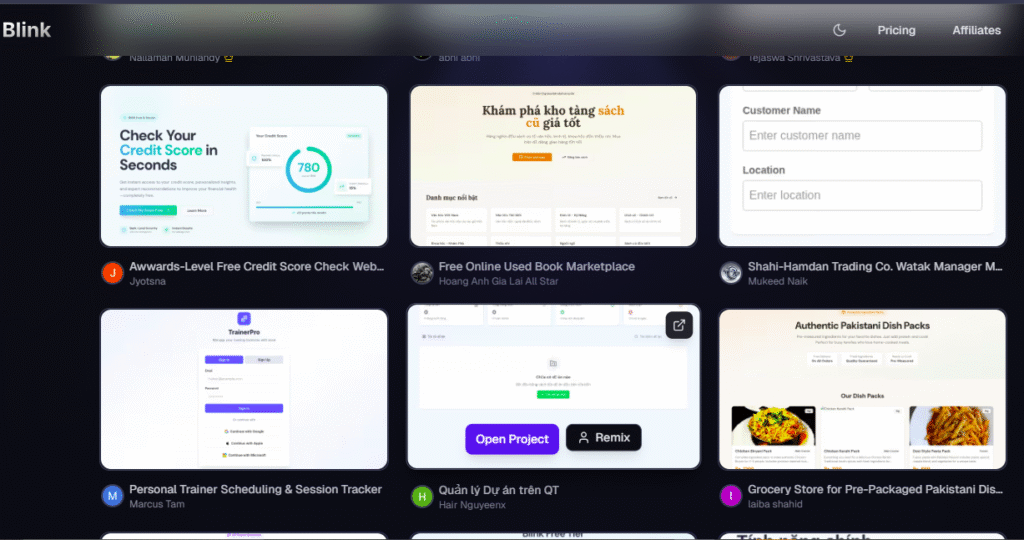
The Blink community shares clones and templates. I used a CRM clone as a learning base and that cut my development time drastically.
Conclusion
I started with skepticism but ended with results. Blink AI app builder gives you a clear path from idea to a working app without the overhead of code. For me the most valuable part was getting a functional prototype in minutes, having the scraper generate email copy from my landing page, and being able to accept payments with Stripe quickly. The platform is not perfect. You can expect minor bugs and you will need professional engineering for very complex systems. But for launching an MVP, validating an idea, or building quick internal tools Blink delivers real value.
If you’ve been dreaming of launching an app without writing code, Blink AI App Builder is a must-try platform in 2025 going forward.
Don’t just think it, Blink it with Blink ai app builder . Build something real today.